
Find quick answers about NipzTV below. If you still need help, see the setup guide, browse the plans in the shop, or contact us. This NipzTV FAQ is updated regularly.
NipzTV FAQ — Plans, Setup and Devices
NipzTV is an IPTV service that streams live TV over the internet, without cables. You can watch live channels, live sports and on-demand movies and series in HD and 4K quality, with an electronic programme guide (EPG).
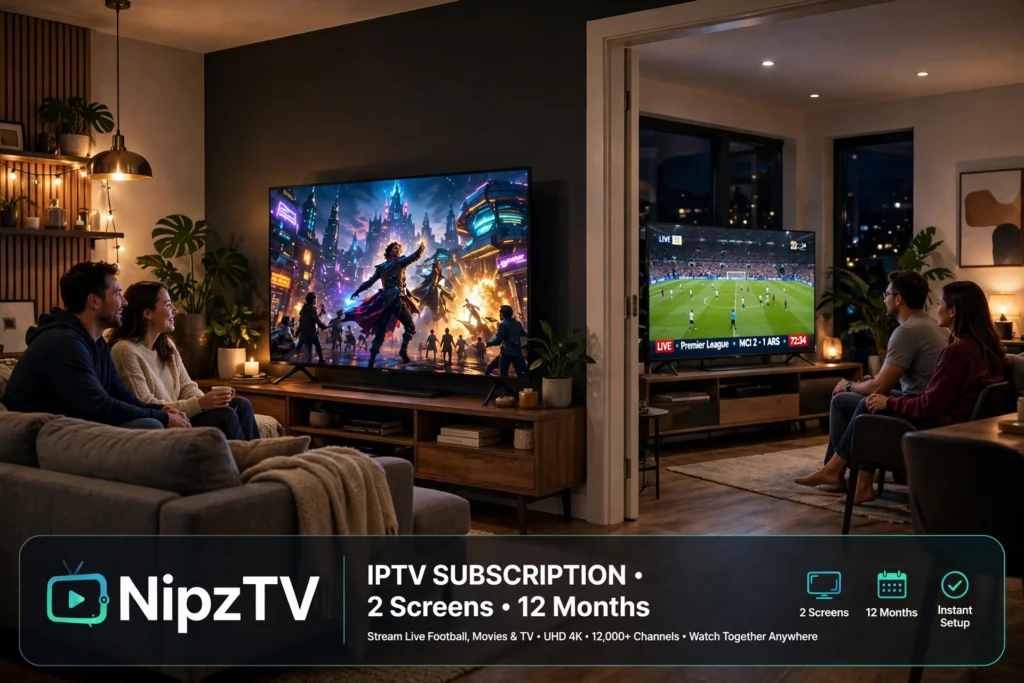
Every plan includes 26,000+ live channels, 150,000+ movies and series on demand, live sports, HD and 4K quality, an EPG guide and 24/7 technical support. All plans work on all supported devices, and the only difference between the 1 Screen and 2 Screens plans is how many screens you can watch on.
Yes. NipzTV offers a 24-hour free trial so you can try the service before you buy. Contact us and tell us which plan interests you and which device you use, and we will send your trial login details, normally within 0-2 hours.
Normally between 0 and 2 hours. Your login details are sent after your purchase, so please check your inbox and your spam folder. If you still have not received them after that time, contact us and we will look into it.
NipzTV works on all devices, including Amazon Firestick, Samsung and LG Smart TVs, Android TV, Android phones and tablets, iOS, Windows and Mac, Apple TV and Mag Box. The setup guide explains which player app to use on each device. See the setup answer in this NipzTV FAQ below for installation steps.
A 1 Screen plan is for watching on one screen at a time, while a 2 Screens plan lets you watch on two screens. The content is the same on both: 26,000+ live channels, 150,000+ movies and series, live sports, HD and 4K quality and 24/7 support. Choose 2 Screens if two people in your household want to watch at the same time.
There are six plans. 1 Screen: 3 months for 24.99 euros, 6 months for 44.99 euros, or 12 months for 64.99 euros. 2 Screens: 3 months for 44.99 euros, 6 months for 74.99 euros, or 12 months for 109.99 euros. See the shop for the current plans.
No. Every NipzTV plan is a one-off payment with no auto-renew. You pay once for the period you choose, and nothing is charged again automatically.
You pay by PayPal in the shop. Choose your plan, then check out securely with PayPal. Your login details are normally sent within 0-2 hours after your purchase.
First choose a plan in the shop or start a 24-hour free trial, then wait for your login details, normally within 0-2 hours. Next, install the player app for your device, open it and enter the login details you received. The step-by-step setup guide has instructions for Firestick, Smart TV, Android, iOS and more. If you have more questions, this NipzTV FAQ has the answers.
First check your setup and your internet connection, then restart the player app and your device. If the problem continues, contact our 24/7 support team by email at admin@nipztv.org, on Telegram at @Nipztv, or on WhatsApp at +447874190820, and tell us which device you use and what you see on screen.
NipzTV provides a 24-hour free trial so you can check that the service works on your device before you pay. Because of this, all sales are final and non-refundable once a subscription or add-on has been purchased. If you have a technical issue, our support team will work with you to resolve it, so please contact us and include your order details.
Still need help? Contact NipzTV by email, Telegram or WhatsApp, or choose a plan in the shop. For more detail, see the answers in this NipzTV FAQ above.